Showing posts with label Tech. Show all posts

Saturday, September 13, 2014

iPhone 6 or 6 plus?


So pre-orders started for the new iPhone 6's yesterday.
I haven't pre-ordered anything yet and I don't think I will. I'm not sure.
I currently have an iPhone 5S and I really love it. The size is perfect which is why Apple decided to keep the iPhone 5S around.
So how big is the iPhone 6 and 6 Plus?


They are pretty big!

In the photo (left to right):
 We have an iPhone 4, 5S template, iPhone 5S, iPhone 6 template and an iPhone 6 Plus template.

You really can't compare unless you print it, cut them out and hold it. They are huge! The iPhone 6 is border line too big for me, but the upgrades in hardware intrigue me- so I may just end up loving it.
If you want to compare hardware between the models Apple has a great comparison tool on their website. 

Want to print it out yourself?
The amazing bloggers at AppleInsider have created this awesome PDF Thanks AppleInsider!

Which iPhone will you get next?


Please comment, subscribe by email, pin or share :)


Wednesday, May 14, 2014

Celebrating 50! Secret Party Planning


My Mom just celebrated turning 50. I decided to throw her a surprise birthday party.
I wanted to share with you the theme, decorations I made and the do's and don'ts I learned from party planning. 

The theme was A Formal Night in Paris. Thou this theme was not as strong as I would of liked it to be but more on that later. 
The dress code was black and white formal and I was hoping birthday girl would show up in red. Unfortunately she did not own anything fancy in red, little pink accents on her shirt worked too.


For the Eiffel Tower and Roses I used the Silhouette SD. 

Cardstock Used:
Real Red Stampin Up! Card Stock
Glimmer Paper- Silver Stampin Up!
Soft Gray? Stampin Up!

Shapes Used:
Rolled Rose
3D Samantha Walker Eiffel Tower
Scalloped Circle and Circle Punch - Stampin' Up!


I used this youtube video to create the roses because I was so confused on how to make it!
Below are some photos of the decorations of my Aunts home who was kind enough to host. 
I purchased decorations at Party City. 


The Do's and Don'ts of Secret Party Planning:

Do's:
  - Have a partner to help DO NOT TRY TO DO IT ON YOUR OWN
(it also helps if this partner is in a different household than your birthday girl/guy)
- Give yourself LOTS of time (4+ weeks) to invite guests, plan details, order food/plan meals
- Know your birthday person very well and choose a theme or favourite colour that they will love (my moms favourite colour was Red and her dream is to go to Paris)
- Ensure all guests get the dress code memo and verify with them what they have to wear

Don'ts: 
- Do not leave event tasks to just anyone.
Ensure they are in the country, have time to help, and are willing!
- Change the theme or original ideas, everyone will have opinions and its very easy to loose time and money switching plans around
- Of course, do not tell the birthday girl :)


I brought my Hue Light System to my aunts house so that I could make the living room into a dance party in the evening. During the dinner portion of the event I kept the lights to a red to complement the colour scheme.


Hope you enjoyed, 
Please comment, subscribe by email, pin or share :)

Friday, March 28, 2014

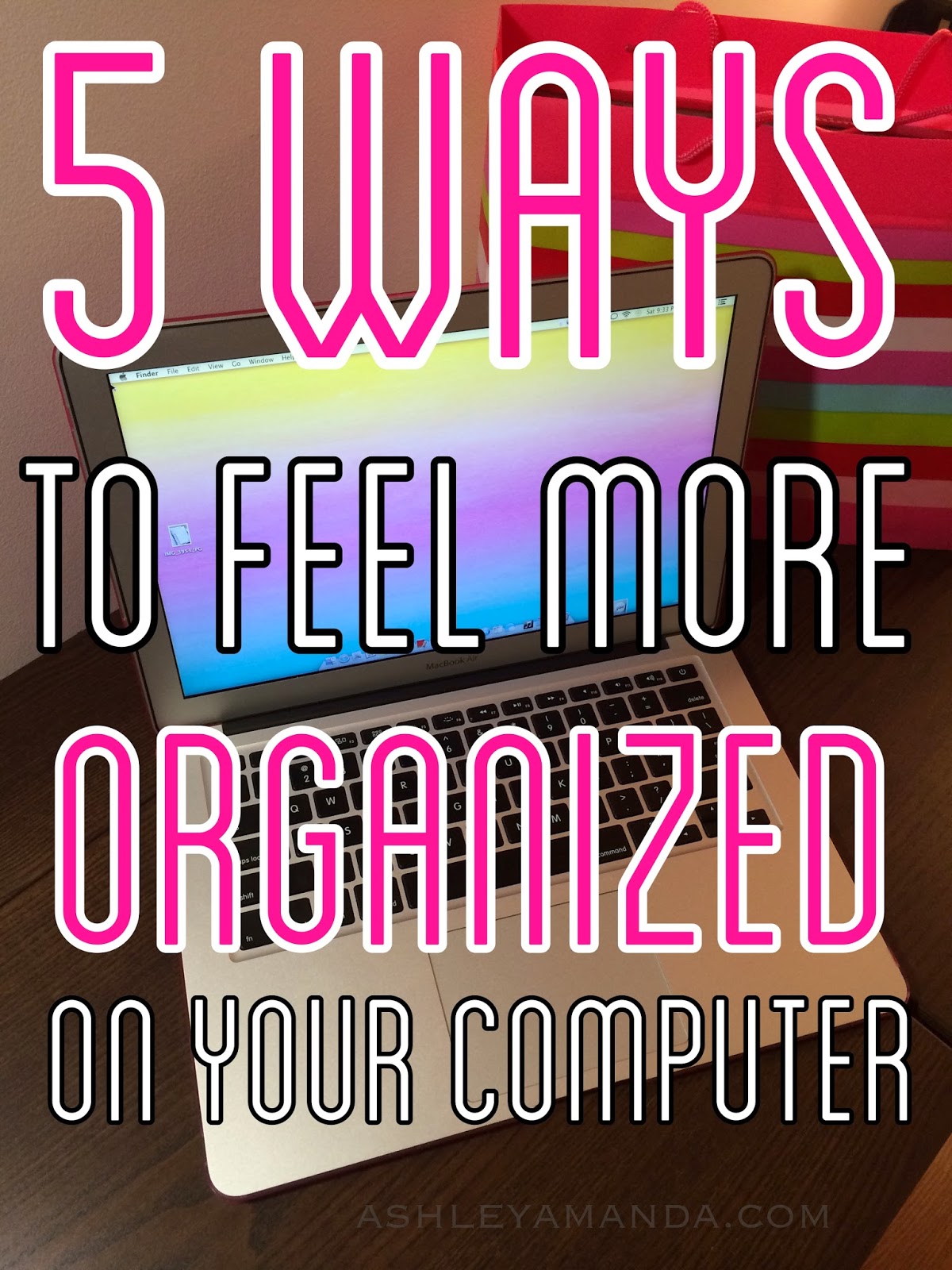
Spring Computer Cleaning


Is your computer making you feel unorganized? 

Is it visually cluttered? 

1 - Empty your trash

This may sound like a no-brainer but many people dump files into the trash and just let them sit there. Go through the files, double check that you don't need them, then delete them. If your not sure if you will need them in the future (BackUp or DumpIt see #5).


2 - Organize your Downloads folder


On a mac, this folder is constantly being added to but hardly emptied. Its a catch all for all your downloaded files from emails and the internet. I like to organize my downloads folder by opening two finder windows (or two my computer windows if your on a PC and your downloads go to your desktop) then I pull up my documents folder on the one window and the downloads on the other. I then go through each file and drag and drop to the appropriate categories. I make folders for each category like work, home, blog, pet etc. If I don't want the file, I will drag it to the trash.

3 - Clear out your desktop and add a cute background


Having a clear desktop makes it really easy to see what your doing, it also helps the computer boot up faster because its not thinking about all the junk on the desktop that it has to load! Huh! who knew?
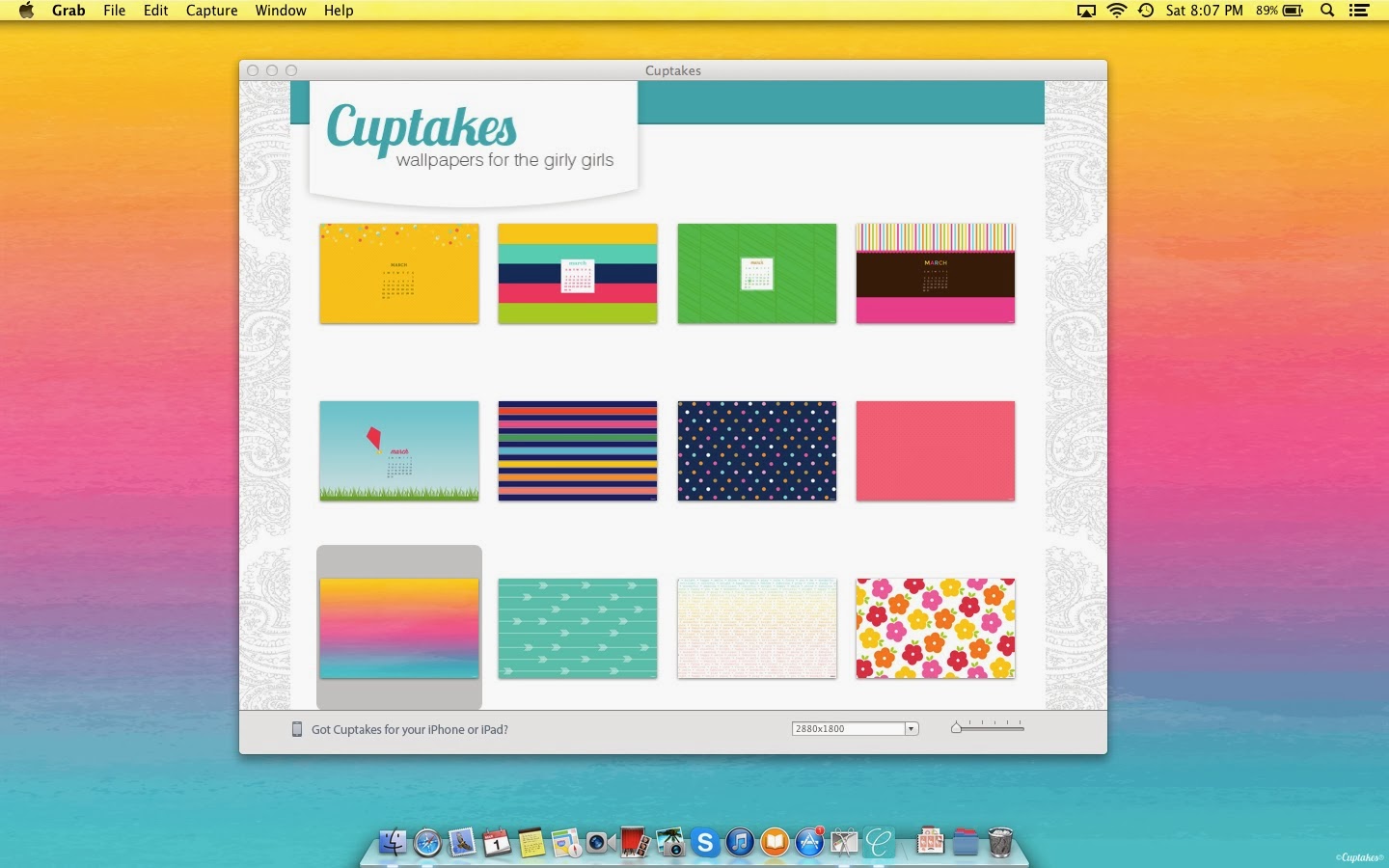
Sometimes I do have a folder on the desktop that is specific to a project I am currently working on. I then will file that folder away into Documents if I want to keep it or to Downloads if I may want to delete it later. The background is from Cuptakes (which I reviewed on my blog) Its cute and functional with the current month calendar.

4 - "Zero" out your inbox or close to it


Now this term is new. Its just another way of saying you have an empty inbox. As I write this blog post I have 2500 emails collectively in three different inboxes (after finishing this blog post I'm at 200). For some this is going to be a very daunting task. For others it may be easy. Depends on how attached you are to your emails hehe.
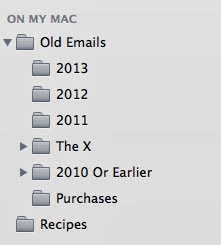
So the first thing I do is create folders on the side by year. I then go to my inbox and sort by year (you may be surprised how old some emails are in your inbox). I then highlight all the "2012" and drag it to the 2012 folder. This may take a little bit of time. I then go to the oldest (by year) folder I created and sort by who its from. If you have a lot of junk, you will notice batches of "Michaels Coupons" or "Victoria Secret Sale". I then do a mass delete of these types of emails. The emails I have left are usually from family and friends or important business type emails. Go through all the years until you are up to date. You could do a few folders for the current year like Personal, Business/Work related, Kids, etc. and then drag that into a year folder when we say hello to 2015. Depending on the mail application or web interface you are using this whole process could be very easy or very difficult. Make sure if you are choosing to file these emails off the email server (stored locally) that you back up your computer.

5 -  Back-Up your data (or DumpIt)
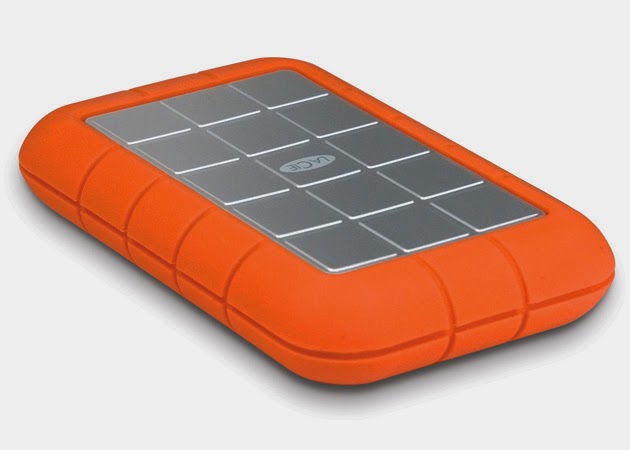

So theres two ways I have organized "old" data. My current computer has a tiny hard drive and I don't really wanna carry around pictures of me with pink hair from my high school days. So there are two ways I deal with the old data that doesn't involve deleting. The first is that I back up my whole computer. I have multiple back ups as well. You can do a backup with the software that comes with your mac or manually if your on a pc. I also "DumpIt". I am naming this technique the dump because I simply just dump old stuff onto a hard drive or USB and store it in a drawer at home (or if you're paranoid you can put it in a safety deposit box at the bank). You could organize this data by year/date or by type of data (photos,docs, etc).


Hope this has inspired you to get more organized on your computer!
Please Share, Pin and subscribe via email to make sure you don't miss a post ;)


Saturday, March 15, 2014

Phillips Hue Lighting System & Hue Party App


(The above photo looks best on Retina/High Resolution devices)

Tonight I am going to be blogging about the HUE lighting system and a new-to-me app that goes perfectly with it. If you don't already know what HUE is click here or watch the video below:

Basically, its a lightbulb system (for any lamp) that connects to your WIFI and can be controlled by iPhone, iPad and other tech devices. You can make it any colour you want! You have thousands to choose from.  So i've had the system for almost a year now. I love it for everyday reading (soft lighting), concentration for cleaning (bright white), and happy lighting (for me its variations of pink).  I love that I can control the lights when I am not home- turn on a light for my dog dash, have the lights on so I don't have to flick on the lights when I come home with full hands of groceries. When I was in a house I made it look like I was home when I wasn't. There are a lot of perks ;)

Now tonight my bf has been hard at it with studying for exams. I say, "lets have a 10 minute dance party to break the stress" (Another Perk ;) ). So I went on to the APP Store and Voila "Hue Party" by SpaceNation Inc. YAYYYYY! Now the lights are strobing in different colours to the beat of the song on the stereo- so much fun!

Here are some screenshots of both the Hue Party App and the Philips Hue standard lighting App:


The Party Hue app makes it super easy! just play around with the settings and "themes" they are a lot of fun. I love the candle theme, they flicker like candles!

So if you have the HUE light system download this app now!! If you don't have the Hue Lighting System you should seriously look into it. <3 Heres a video I found on youtube of the app in action:


The App is Free but if you want more than 2 lights to join the party the cost is $3.99.
Hope you enjoyed!


Disclaimer: All my opinions are of my own and I am not affiliated with Phillips Hue or SpaceNation Inc. I am not being paid to discuss this app nor do I make money when you join the hue world :)

Saturday, March 01, 2014

Cuptakes - The worlds cutest wallpapers for your Mac


If you are a fan of wallpapers for your Mac, well you're in for a treat. 
The Cuptakes App for Mac is the ultimate source for cute, girly and unique backgrounds.
It's $4.99 but let me tell you it is soooo worth it. Every few months as the seasons change the collection of wallpapers grow. You are constantly getting new original designs that match the season. They had adorable Christmas and Valentine wallpapers that made my heart melt and my mouth smile.
 I am in LOVE with their newest wallpapers added just recently. You can have multiple desktops on your Mac and have different wallpapers on all of them (like the pic below)


Guess What??
They have a mobile app too! So your iPhone and/or iPad can have the same wallpapers! SOOOO COOOL!!!!!

I am in love with this pattern. I absolutely love pink and turquoise they are my favourite colours. OOHHHHH did I mention they have phone cases too? Not sure how protective they are but O-M-G they match the wallpapers! Check them out!

To get the mobile app for your phone click here. It's .99 Cents!

If you guys wanna let me know of any cool apps leave a comment!


Thanks for reading :) and don't forget to subscribe to my blog!


Disclaimer: I am not getting paid to talk about Cuptakes, they don't know me and I don't know them. I just love love love their apps. Can you tell?
 
SITE DESIGN BY DESIGNER BLOGS